


Hit the road.
-

Hey Google, find a coffee shop nearby that offers oat milk and has a 4 star rating or better.
-
Jenna's coffee has 4.6 stars and offers oat milk.
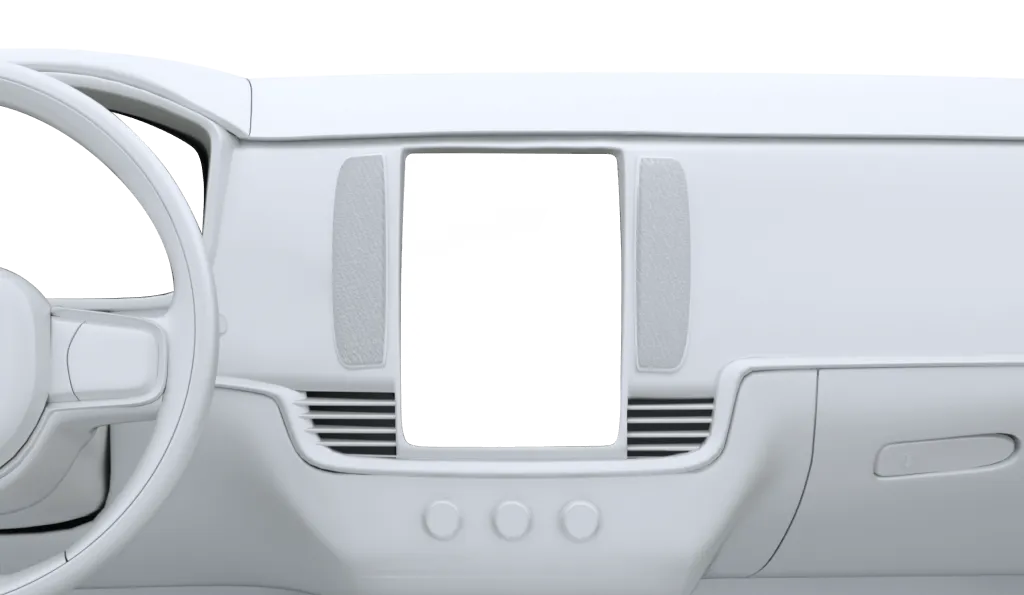
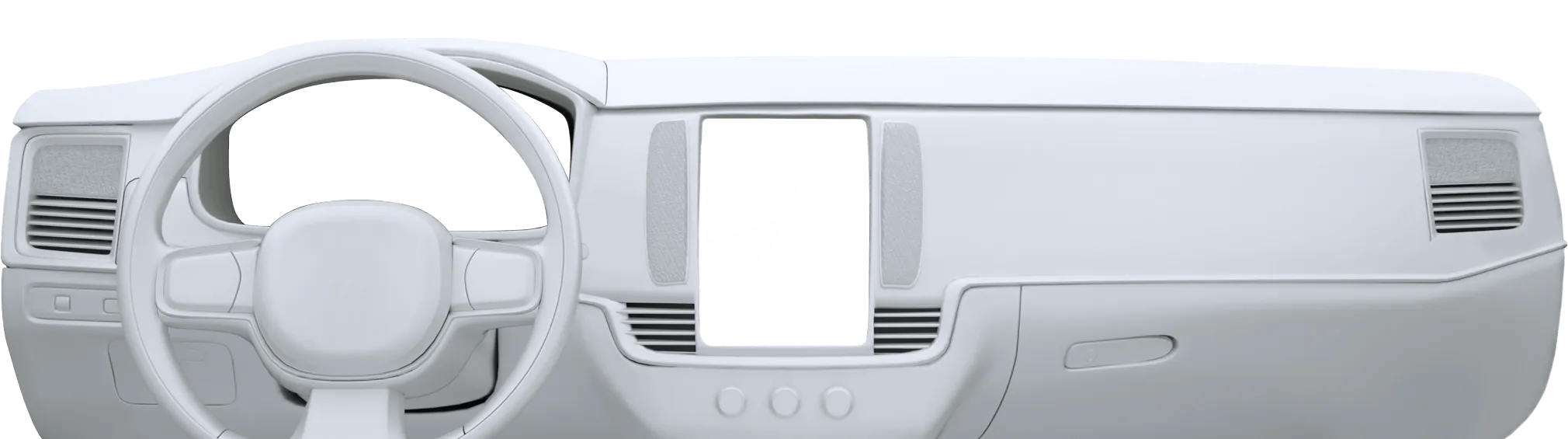
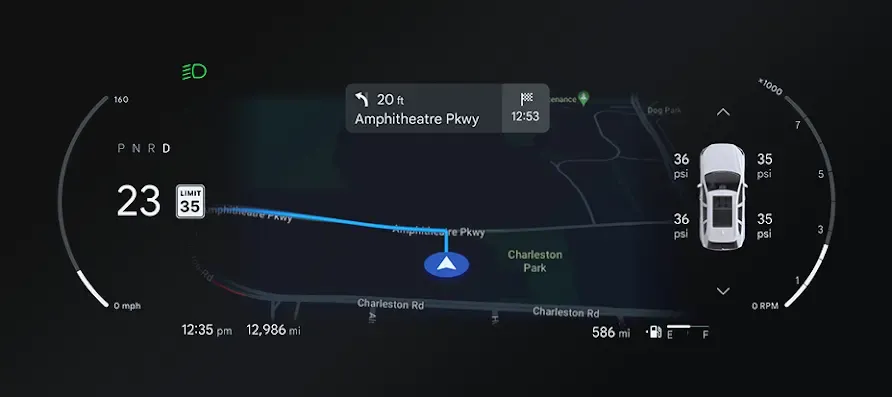
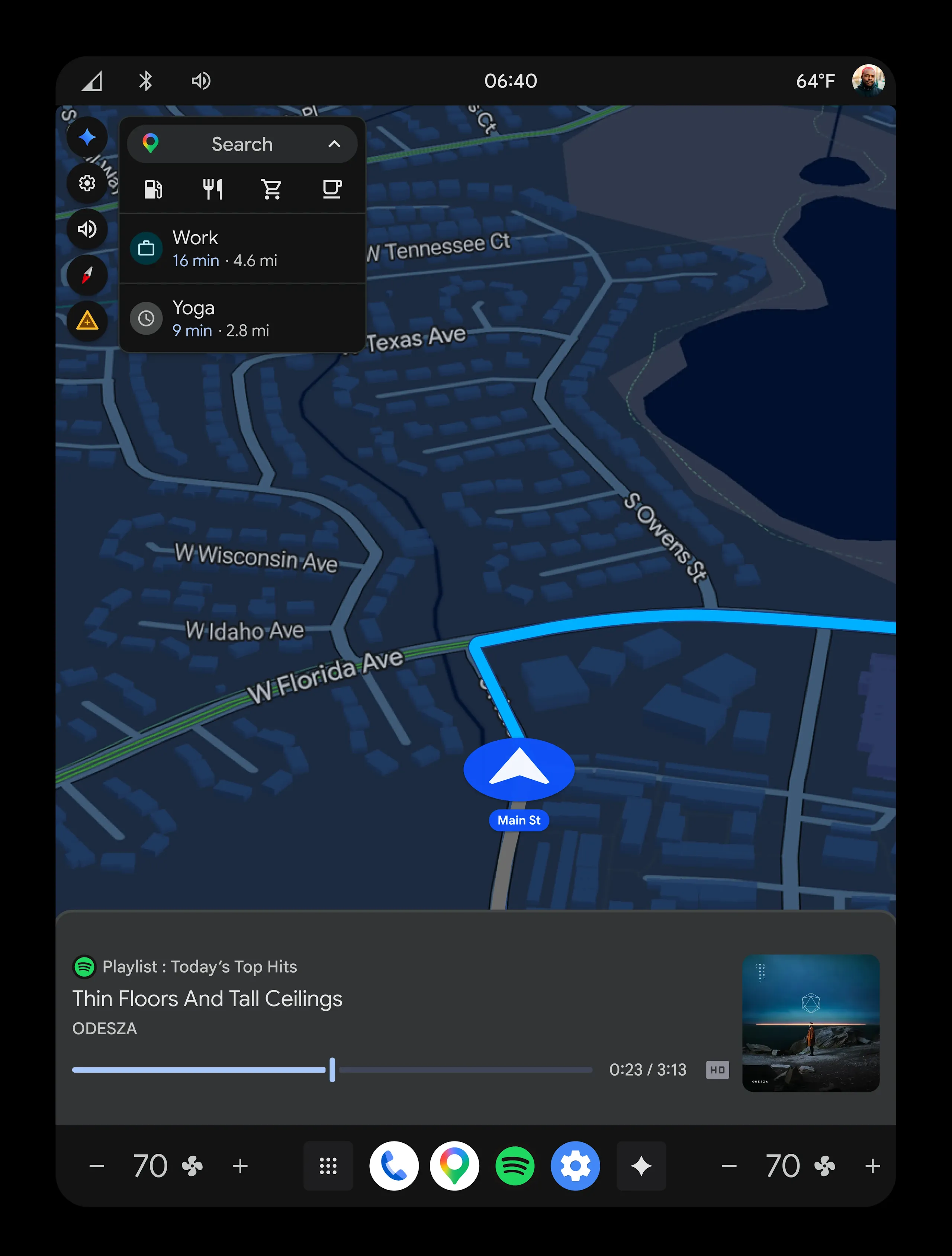
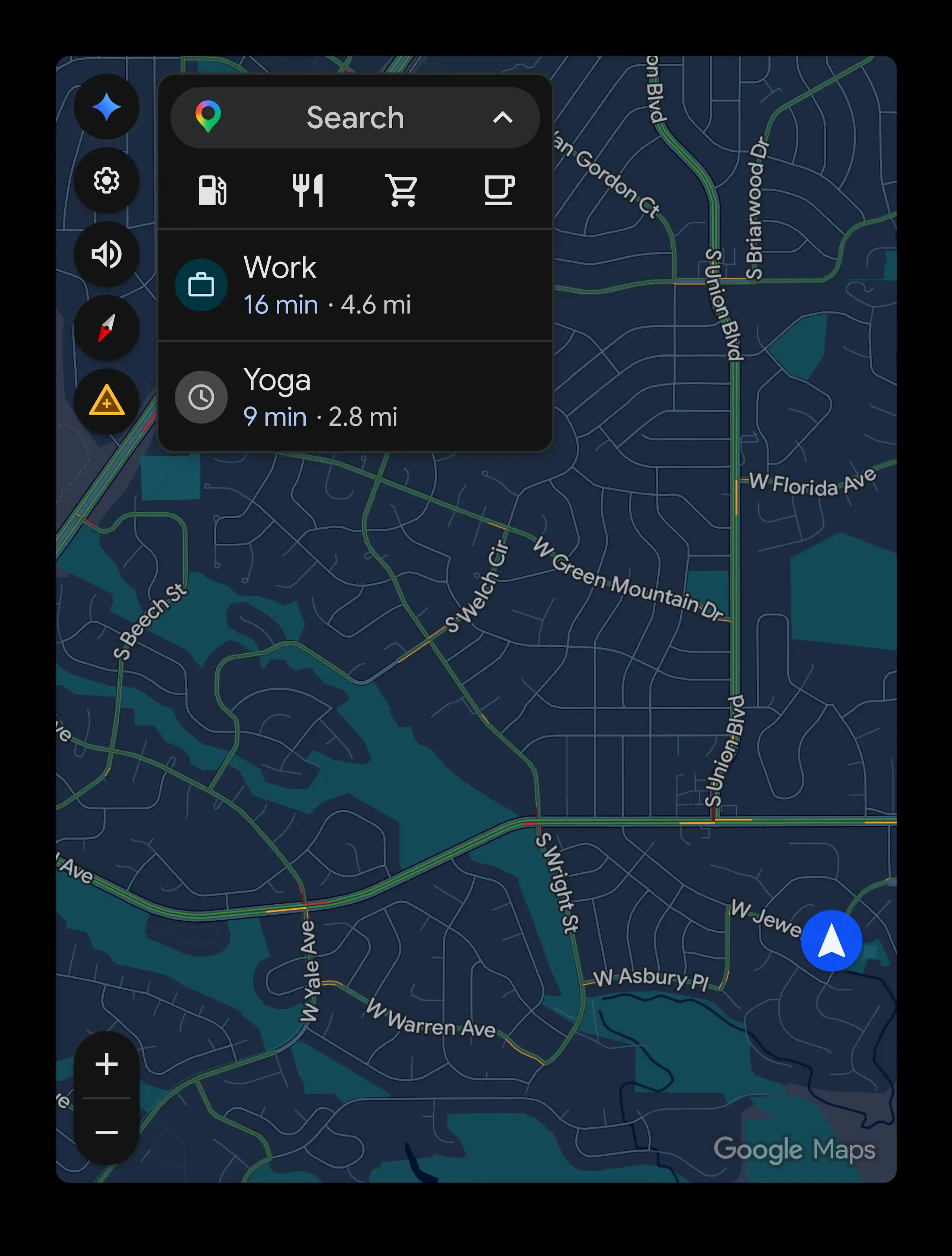
Find your best routes with Google Maps
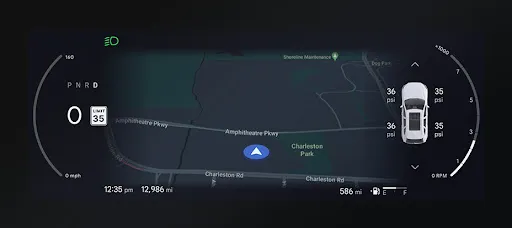
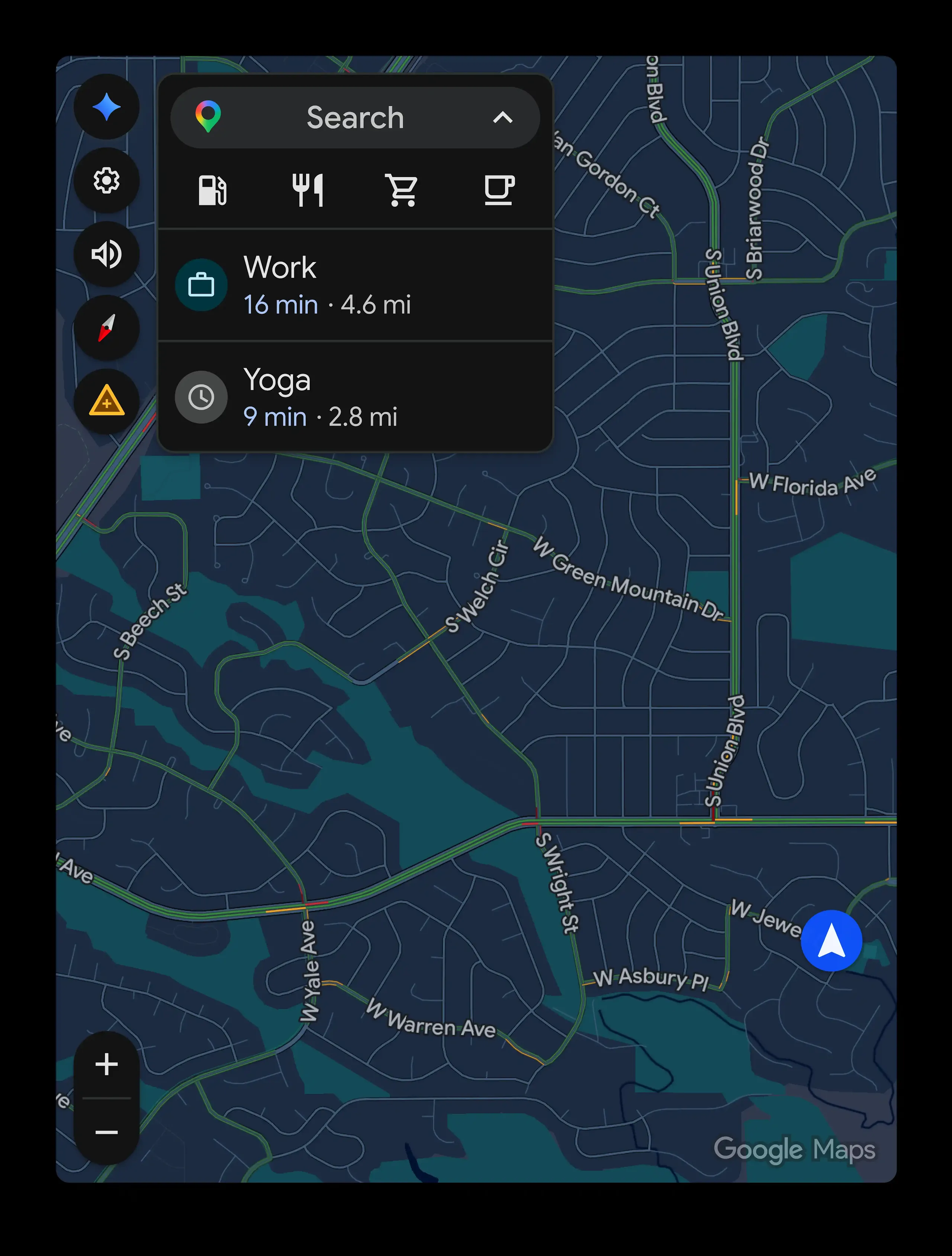
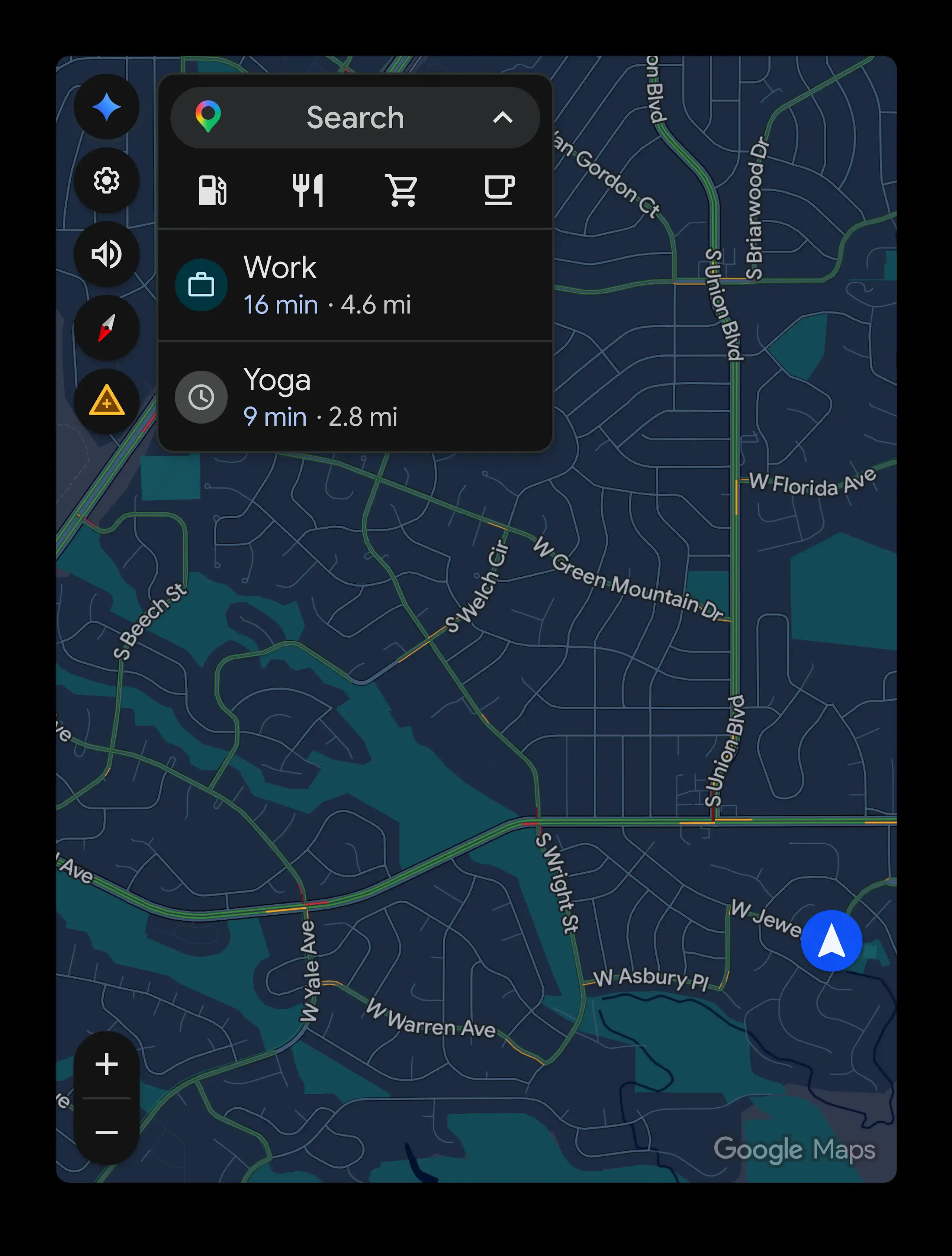
Drive with confidence with real-time traffic updates. Using Google Maps for in-car navigation, you'll be rerouted based on the latest traffic update.
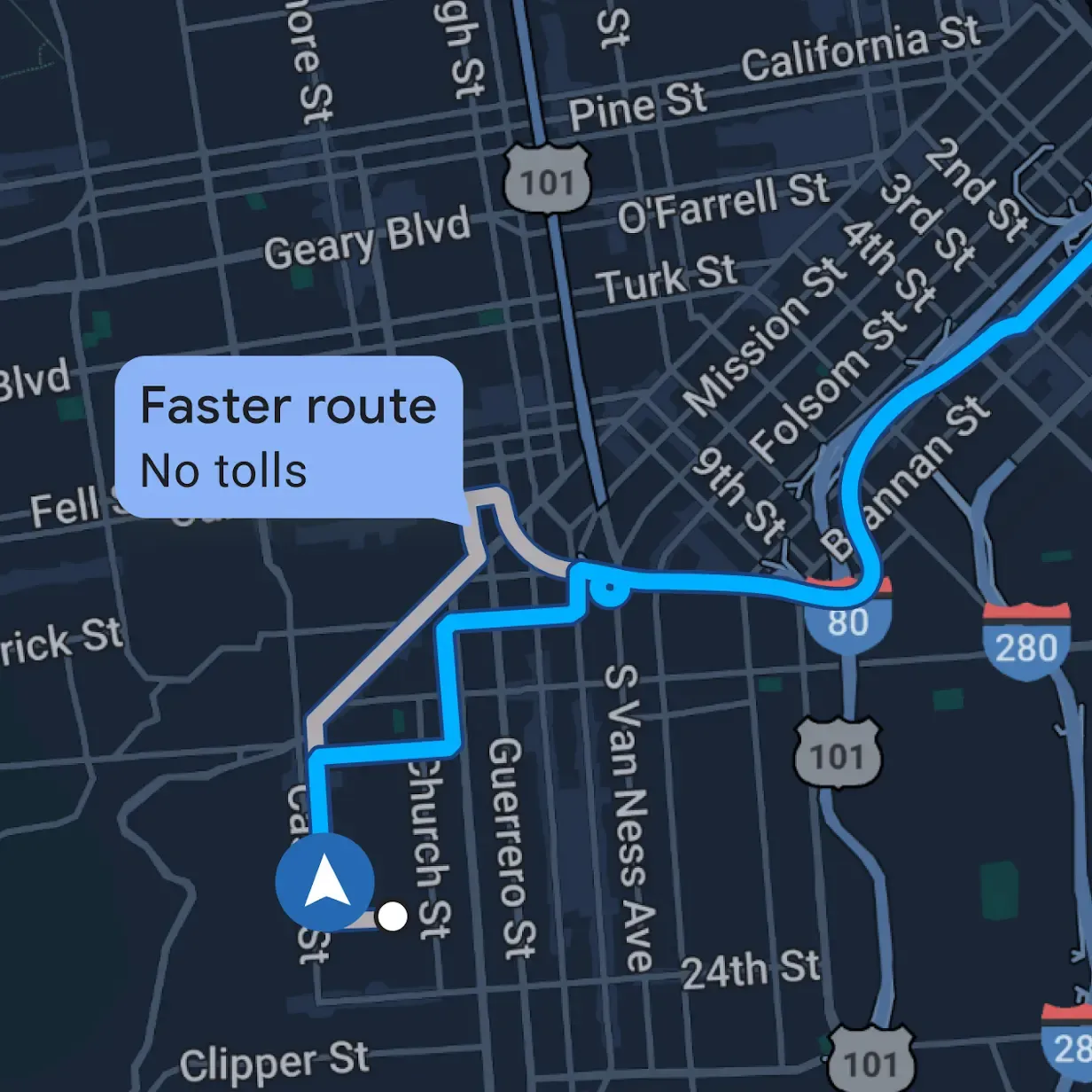
Plan ahead. Send to car.
Plan your route with Google Maps on your phone. Then, instantly send it to your car for a seamless start—no cables, no fuss.
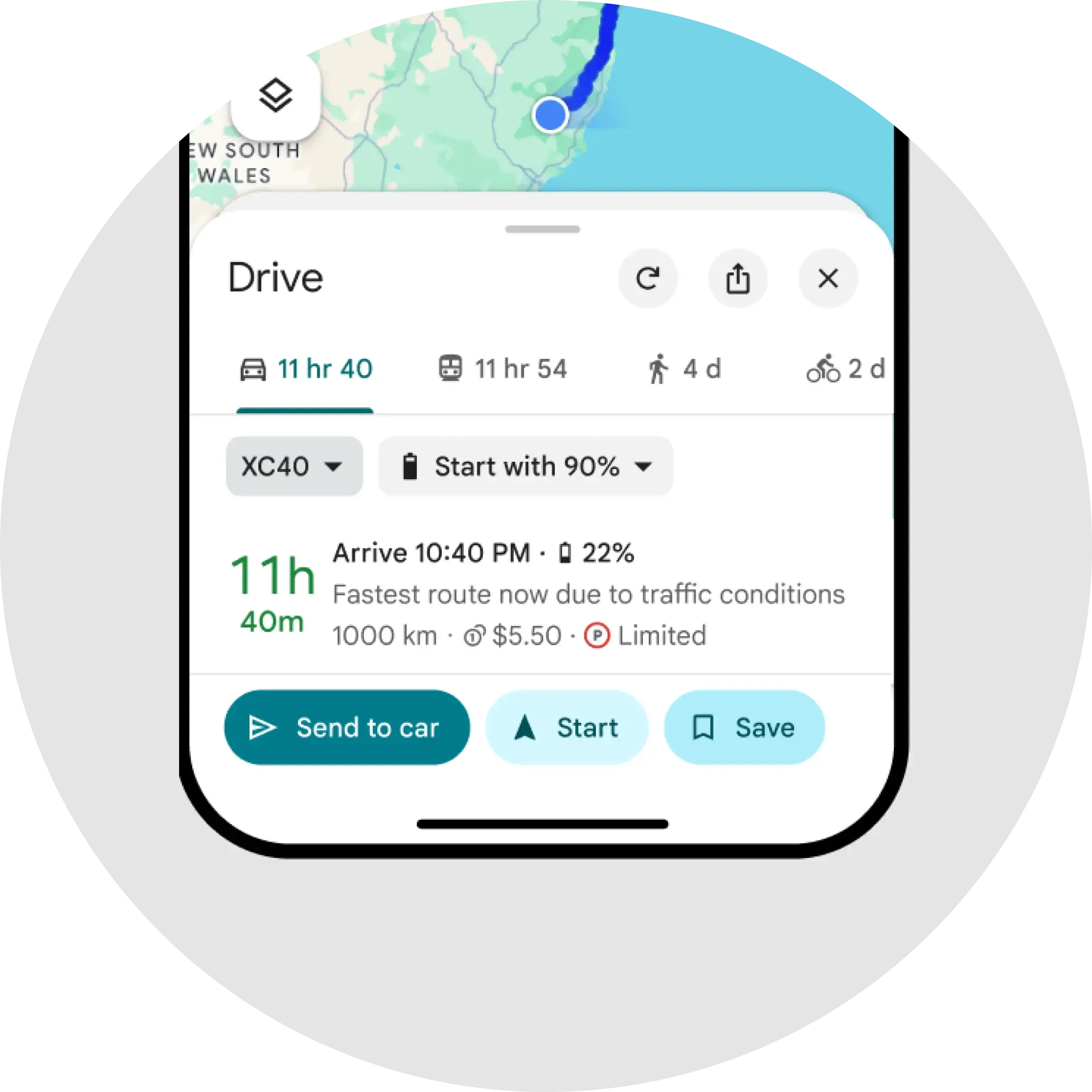
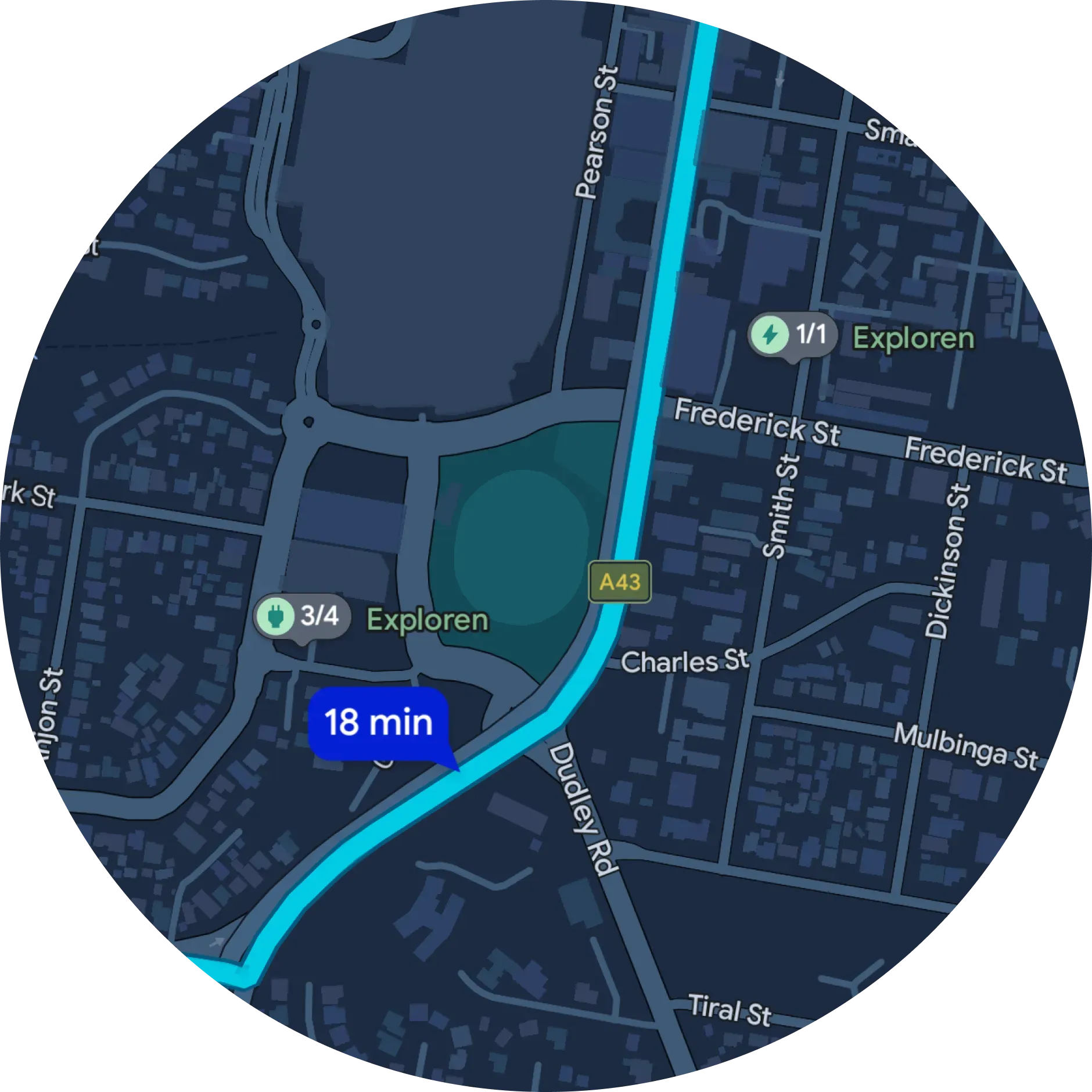
EV routing tailored to you.
Google Maps is built into your car and optimizes your route based on your vehicle's specific needs for a seamless EV journey. It proactively suggests charging stops for long trips. You can also choose your own stations, filtering by your charging speed and payment network.


Get comfortable.
Say "Hey Google" to adjust settings.
Turn on your seat heater, control the temperature, and more with just your voice. No need to search for buttons or scroll through settings.
User interacts with Google Assistant
-
Hey Google, I'm feeling cold.
-
Alright. Turning on the heat and seat heaters.
Enjoy entertainment.
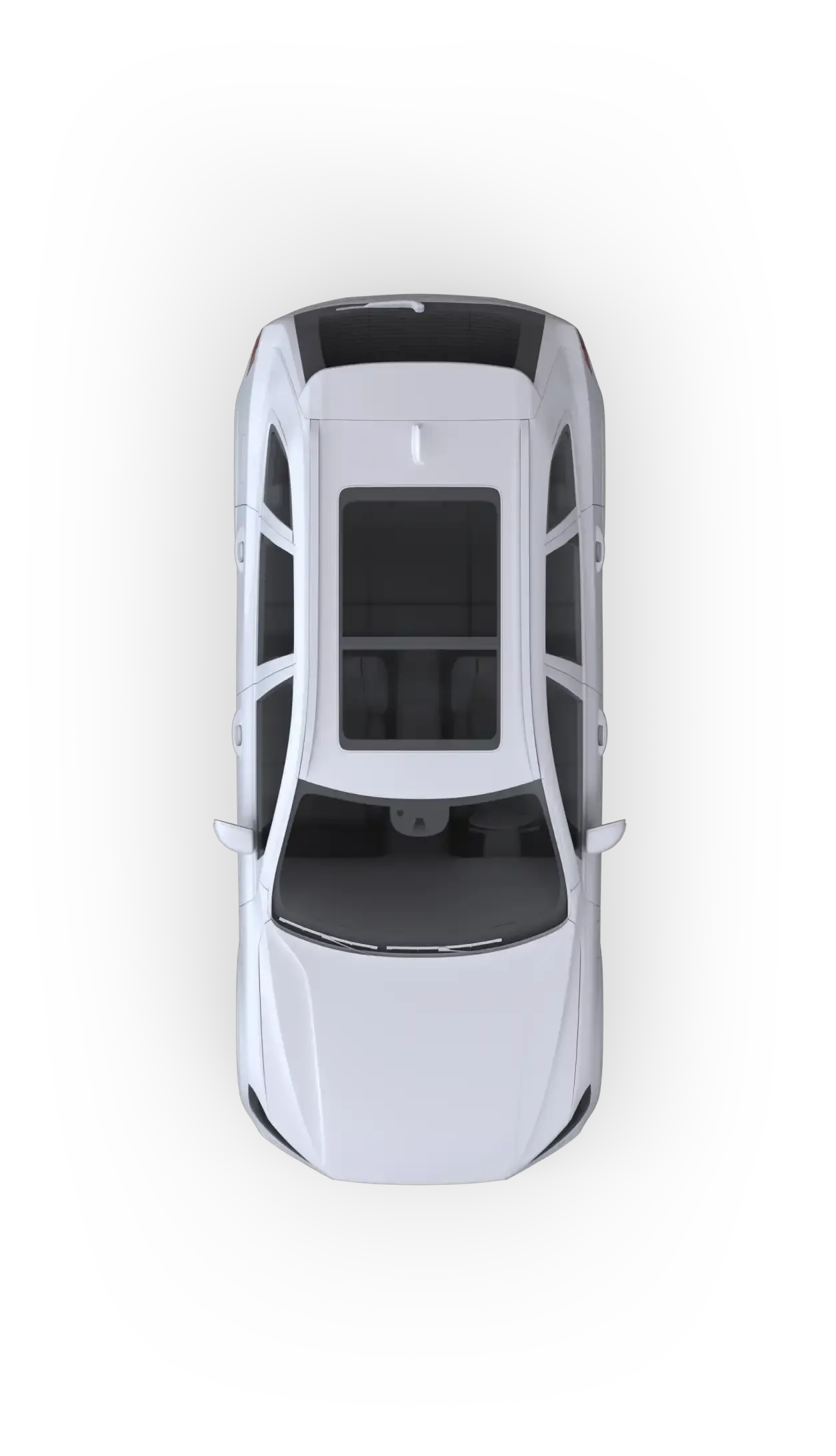

A top view of a car moves down and stops next to a circular audio player showing DJ Khaled album artwork.
Listen to your favorite playlists and podcasts.
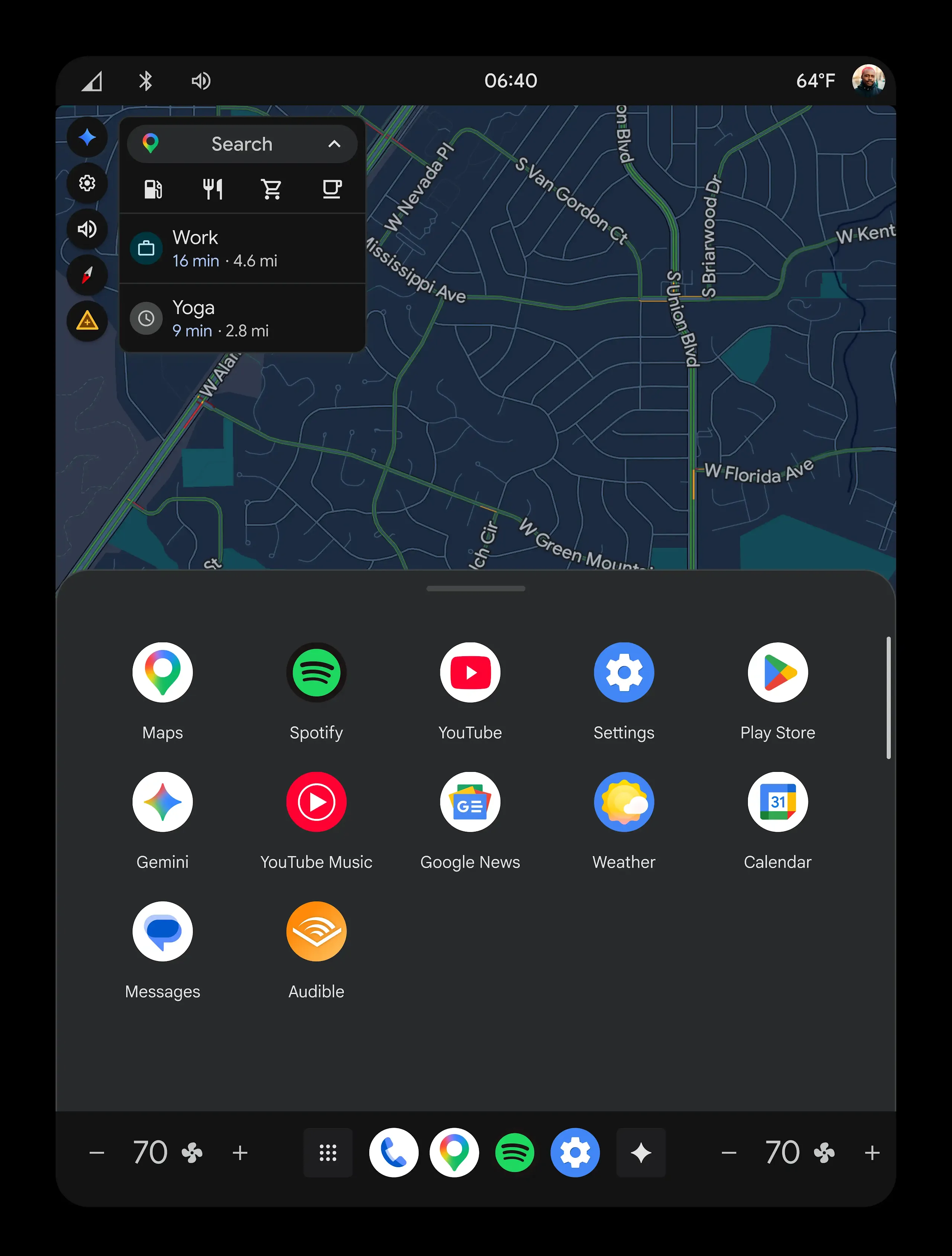
Download your favorite media apps, like Spotify, YouTube Music, NPR One, and more on Google Play. You can even skip tracks and turn up the volume with just your voice.
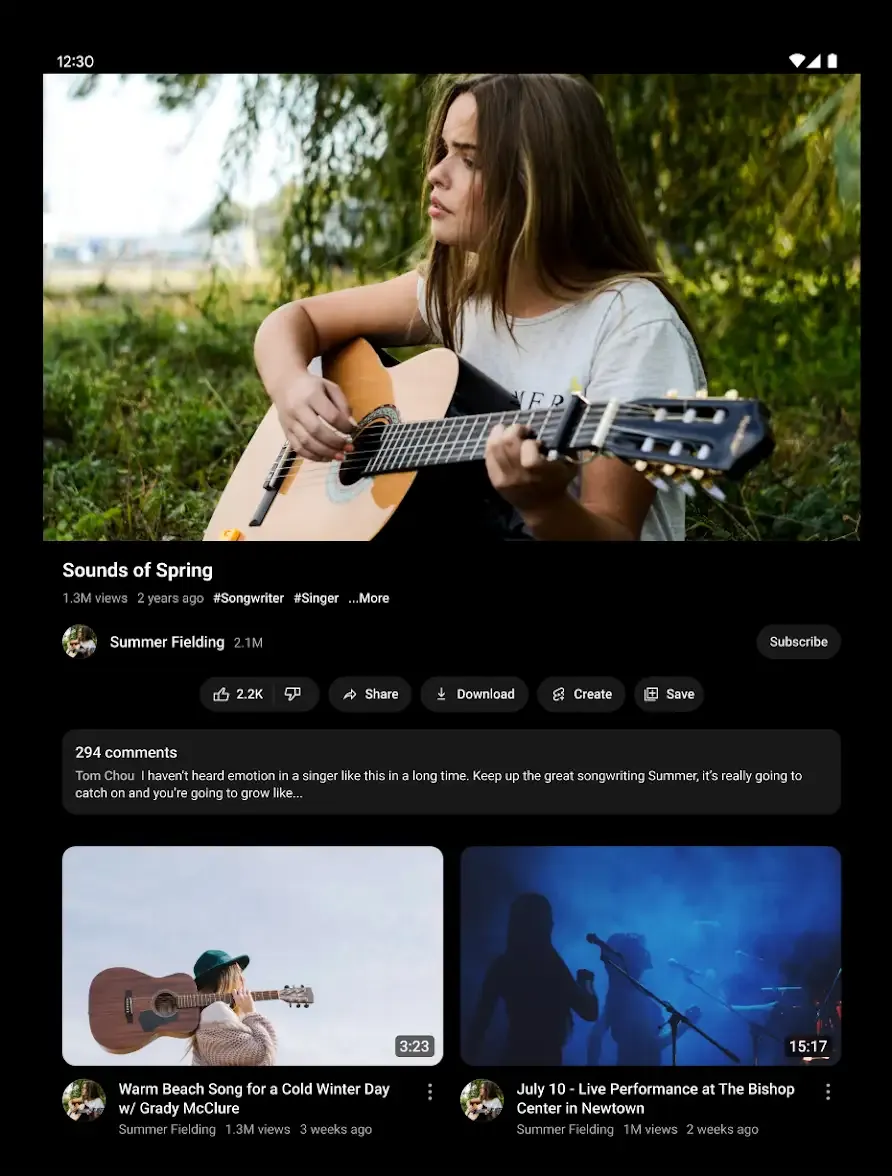
Catch up on your favorite shows when parked.
Whether you’re waiting for takeout or at the charging station, stay entertained by watching shows, movies, or videos on your car display.
Keep in touch.
Stay on top of it all while on the go.
Listen to text messages and respond with your voice, or ask Google to set reminders and add items to your to-do list.



-

Hey Google, text Alex and let him know my ETA and that I picked up a pizza and add a pizza emoji.
-
Message to Alex saying, "My ETA is 13 minutes. I picked up pizza. 🍕"
Opportunities abound.
Use Google Play to download and access dozens of apps from your car with Google built-in.









Always updating.
Cars with Google built-in receive automatic updates directly from Google while parked or on the go, delivering new apps, features, and more.